






Create Magazine Covers

Upload a reference image, describe your publication and lead story, then generate magazine cover directions you can compare and refine in Ottermind.

Claude
GitHub
Google
Linear
Microsoft
Monday
Netlify
Notion
OpenAI
Sentry
Slack
Stripe
Supabase
Claude
GitHub
Google
Linear
Microsoft
Monday
Netlify
Notion
OpenAI
Sentry
Slack
Stripe
Supabase

Turn an Editorial Brief into a Cover Direction

A magazine cover generator works best when the brief names the audience, issue theme, lead subject, visual mood, and hierarchy. Bring a licensed photo or visual reference, state what must remain recognizable, and use AI image generation to explore several magazine cover design directions. Judge each result at full size and as a thumbnail before refining the strongest option.

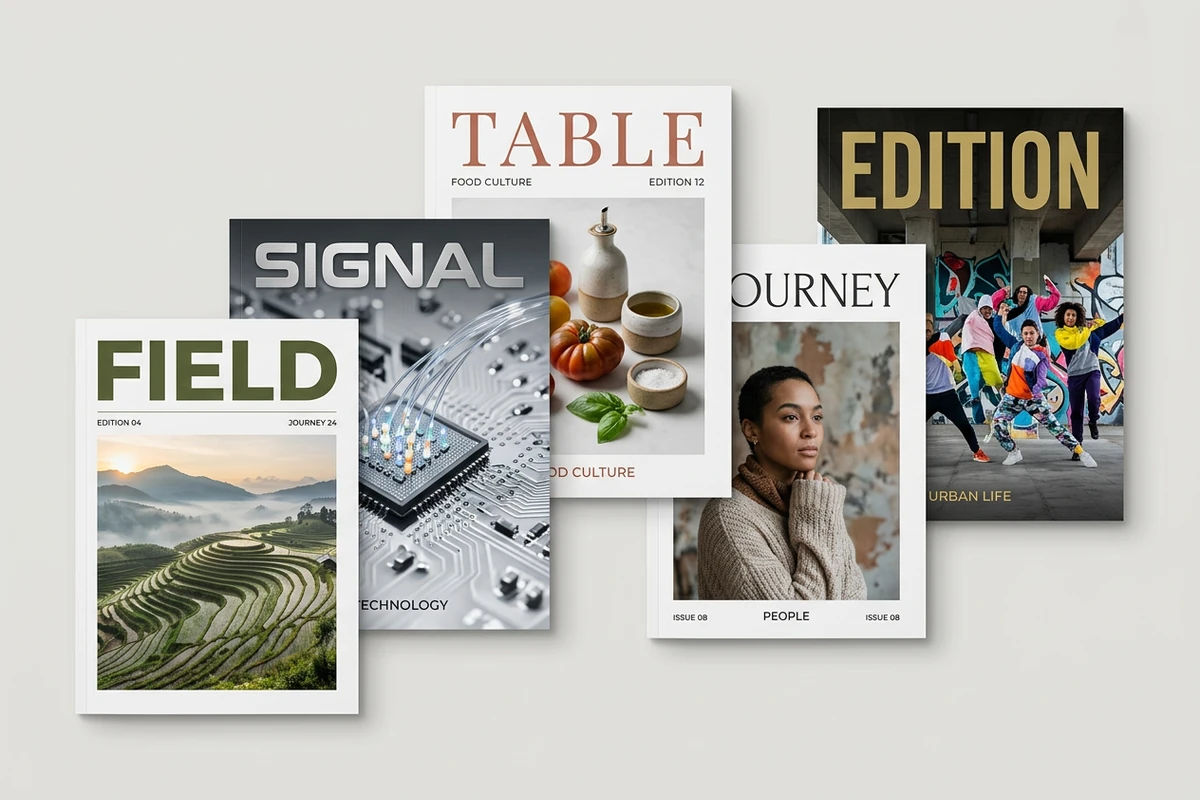
Five staggered magazine covers feature travel, technology, fashion, food, and culture themes on a neutral studio backdrop.

Give Every Cover a Clear Hook

Create magazine covers around one dominant image and one unmistakable editorial promise. Decide what readers should notice first, then keep supporting cover lines subordinate to the masthead and lead story. If the issue needs a sharper verbal hook, develop options with the Slogan Generator before committing them to the artwork.
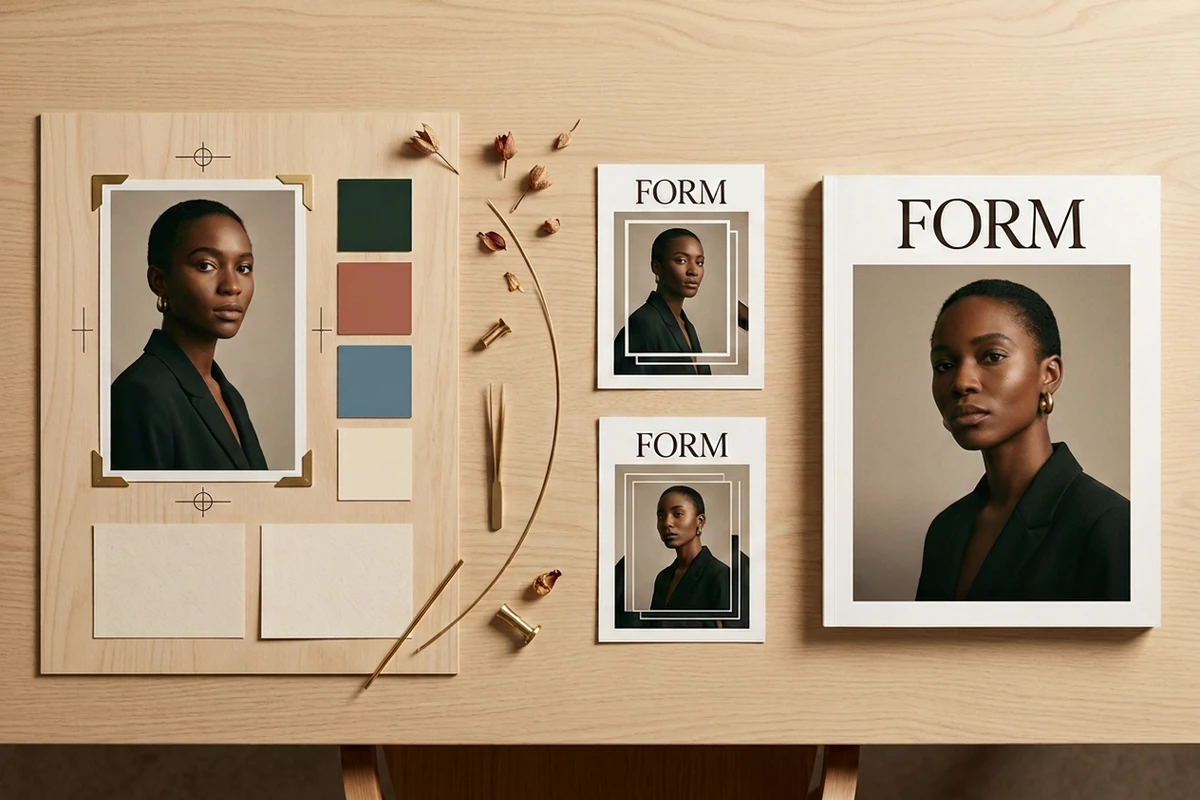
A portrait moodboard progresses through two studies to a finished FORM magazine cover on a wooden design desk.

Move from Reference to Finished Direction

Upload the lead image, name the publication and audience, and describe the mood, palette, framing, and type hierarchy. Generate distinct directions instead of stacking conflicting styles in one request. Prepare the source with Photo Retouching, then apply Image Effects only when they strengthen the editorial idea.

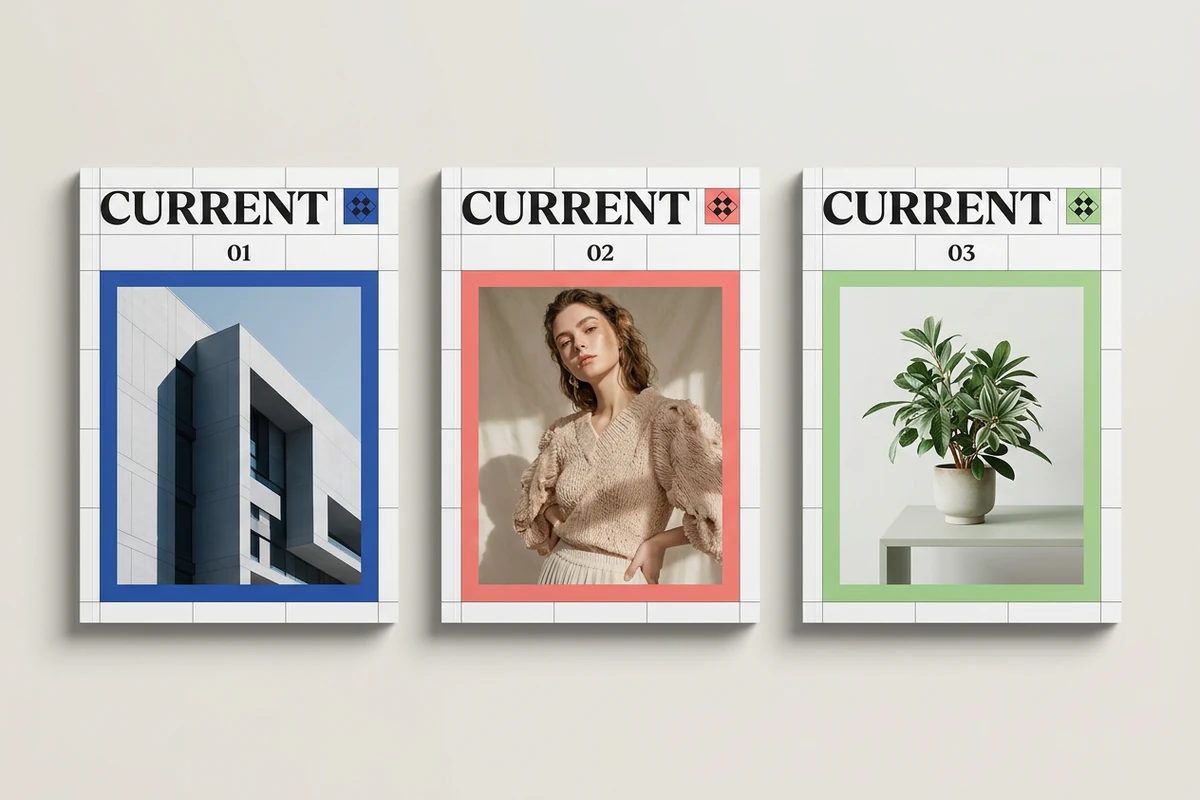
Three CURRENT magazine covers share one grid while varying blue architecture, coral portrait, and green botanical imagery.

Keep Every Issue Recognizably Yours

A strong series repeats a few rules while allowing each lead story to change. Lock the masthead position, grid, type roles, and recurring labels; vary the hero image and accent color by issue. Compare three magazine cover design versions side by side, and use Image saturation when color intensity is the only element that needs correction.

How to Create Magazine Covers

Step 01

Define the issue

Name the publication, audience, issue theme, lead story, and intended channel. Choose one emotional promise the cover should communicate before listing visual details.

Step 02

Upload and direct

Add a permitted portrait, product, illustration, or mood reference. Describe the composition, masthead behavior, palette, type mood, and details that must remain unchanged.

Step 03

Compare and check

Review several magazine cover generator results for hierarchy, legibility, subject accuracy, unintended text, and thumbnail impact. Refine one weakness at a time.

Why creators choose Ottermind

Reference-led context

Keep the issue brief and source image together so every revision stays anchored to the same editorial intent.

Specific prompt control

Direct subject, framing, hierarchy, palette, and mood separately instead of asking for a vaguely professional cover.

Comparable directions

Create magazine covers in distinct visual systems, then choose by hierarchy and audience fit rather than novelty alone.

Focused revisions

Correct one weak element while preserving the lead subject, grid, and editorial decisions that already work.

Story-aware planning

Develop the issue theme with the AI Story Generator before turning its strongest angle into cover language.

FAQ

What makes a magazine cover effective?

An effective cover has one dominant focal point, a recognizable masthead, a clear lead story, and supporting lines that do not compete for attention. Test the magazine cover design at thumbnail size: the publication identity and main promise should still be obvious.

What should I include in the prompt?

Include the publication name, audience, issue theme, lead subject, visual mood, palette, framing, type character, and required hierarchy. Separate fixed details from optional exploration so the magazine cover maker has a clear decision structure instead of a list of conflicting styles.

Can I use my own photo as the lead image?

Yes, when you have permission to use and transform it. Upload the clearest available source and identify the features, product details, pose, or composition that must remain recognizable. Inspect the generated face, hands, logos, and small objects before publishing.

How do I keep several issues consistent?

Write a small cover system: fixed masthead position, grid, type roles, recurring labels, image treatment, and a limited color rule. Then change only the lead story, hero image, and issue accent. This lets a magazine cover generator explore without erasing the publication identity.

Can generated cover text contain mistakes?

Yes. Generative images can produce misspelled, malformed, or invented lettering. Treat generated wording as a visual direction, verify every character, and replace critical text in an appropriate layout workflow before release. Never assume small cover lines are correct because the preview looks convincing.

Is the generated image ready for print?

Not automatically. Before print, confirm the publication's final trim size, bleed, safe area, resolution, color requirements, barcode placement, and printer specifications. The magazine cover maker helps develop the visual direction; the production file still needs a separate preflight for its destination.

Discover more

How people use Ottermind for images

I had a batch of mug photos shot on my kitchen table. I cleared the clutter, tried two cleaner backgrounds, and kept the one that still looked like my real product. It felt more like tidying up a shoot than starting over.

Lena Ortiz - Online Shop Owner

More from the blog

Create a Cover with a Clear Editorial Hook

Bring your issue brief and a permitted reference, generate distinct directions, then refine the strongest cover against the hierarchy and preflight checklist.

Create a Magazine Cover


