Face to Drawing

Bring a portrait, define the drawing style and recognizable details, then review and refine the interpretation with Ottermind.

Wide graphite drawing of an older man with silver hair and glasses in three-quarter profile

Separate identity cues from drawing style

A useful face-to-drawing brief treats likeness and medium as two separate decisions. First identify the expression, face shape, hairline, eye direction, glasses, or accessories that make the person recognizable. Then define graphite, charcoal, ink, or line art through stroke, shading, texture, and background choices. For an all-subject workflow beyond portraits, explore Photo to Sketch.

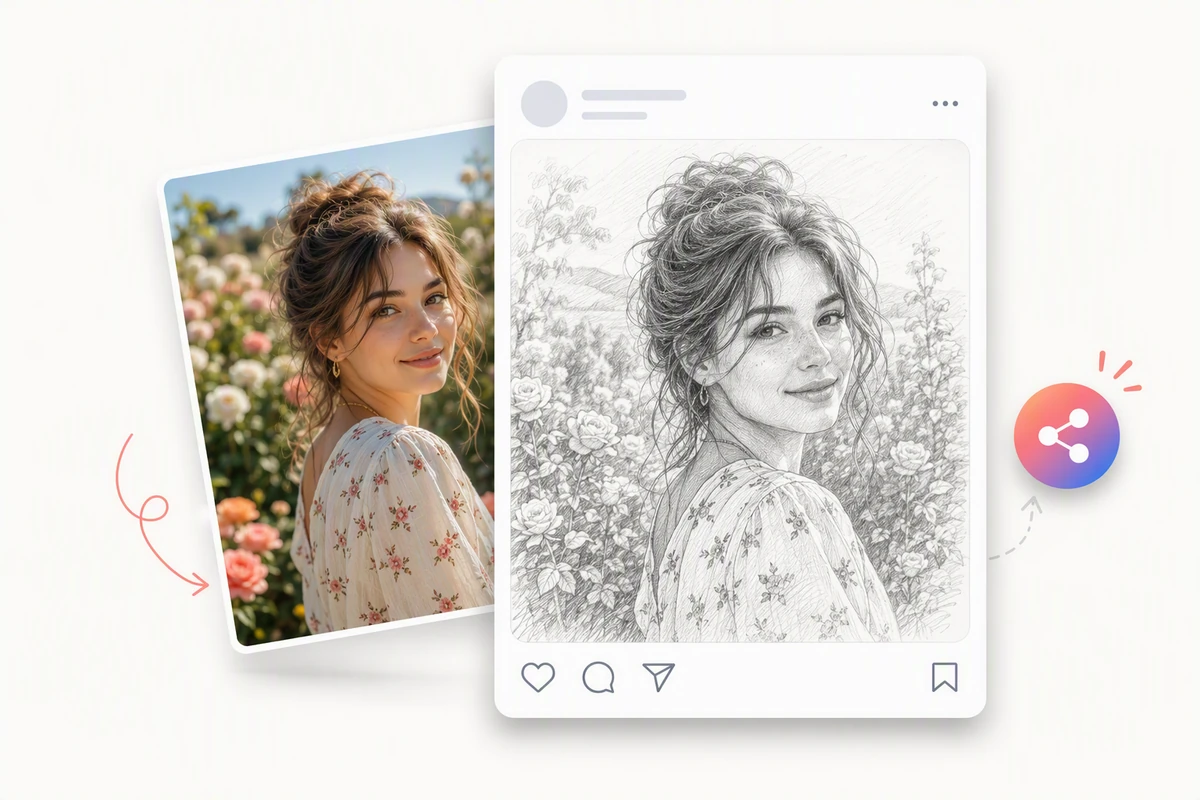
A flower-garden portrait transformed into a detailed graphite sketch for a social post

Turn a garden portrait into a finished drawing

Use the flower-garden portrait as a full-scene test: keep the expression, pose, hair, clothing silhouette, and surrounding blooms recognizable while translating them into graphite. If the source needs cleanup or reframing first, prepare it with the AI Photo Editor. Review at normal viewing size so the face stays prominent.
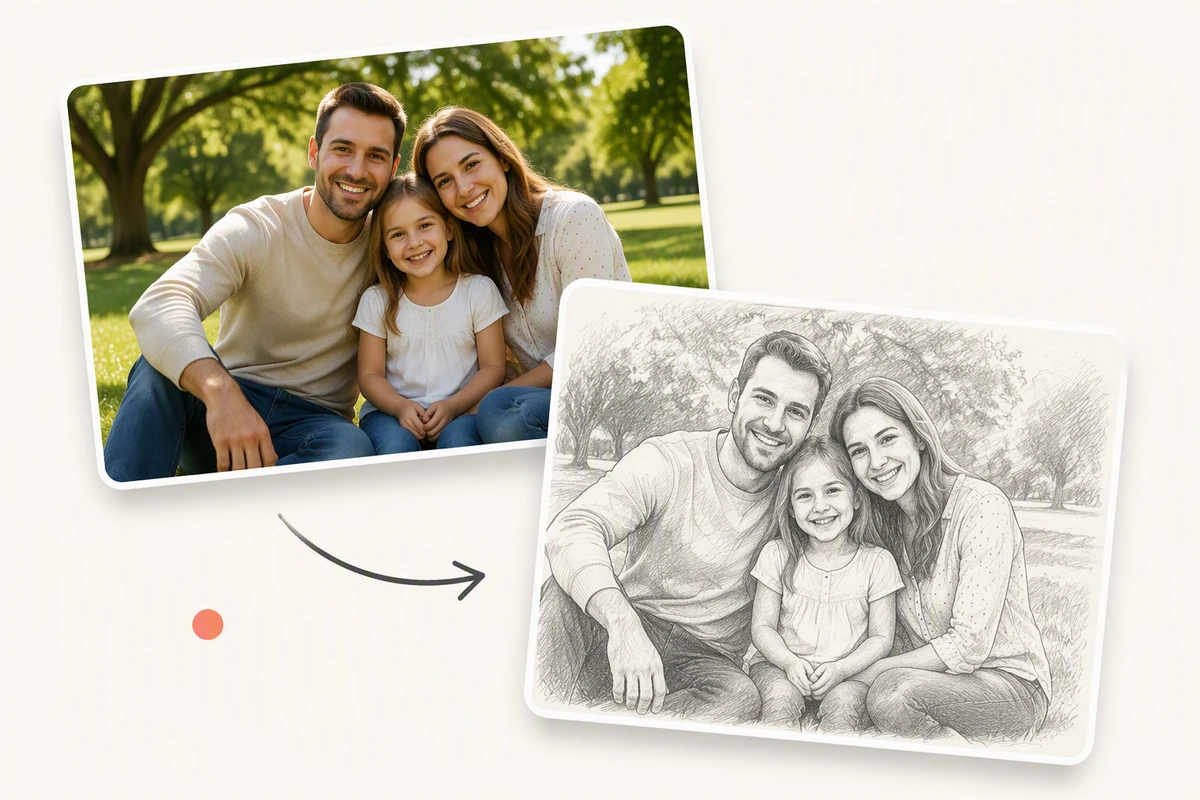
A family park photograph transformed into a matching hand-drawn graphite sketch

Keep every face clear in a family drawing

A family photo asks the drawing to preserve several identities at once. Check each expression, hairline, body position, and overlap against the park portrait, then request a focused correction if one face drifts. For a softer painted keepsake, compare the medium with Photo into Watercolor.

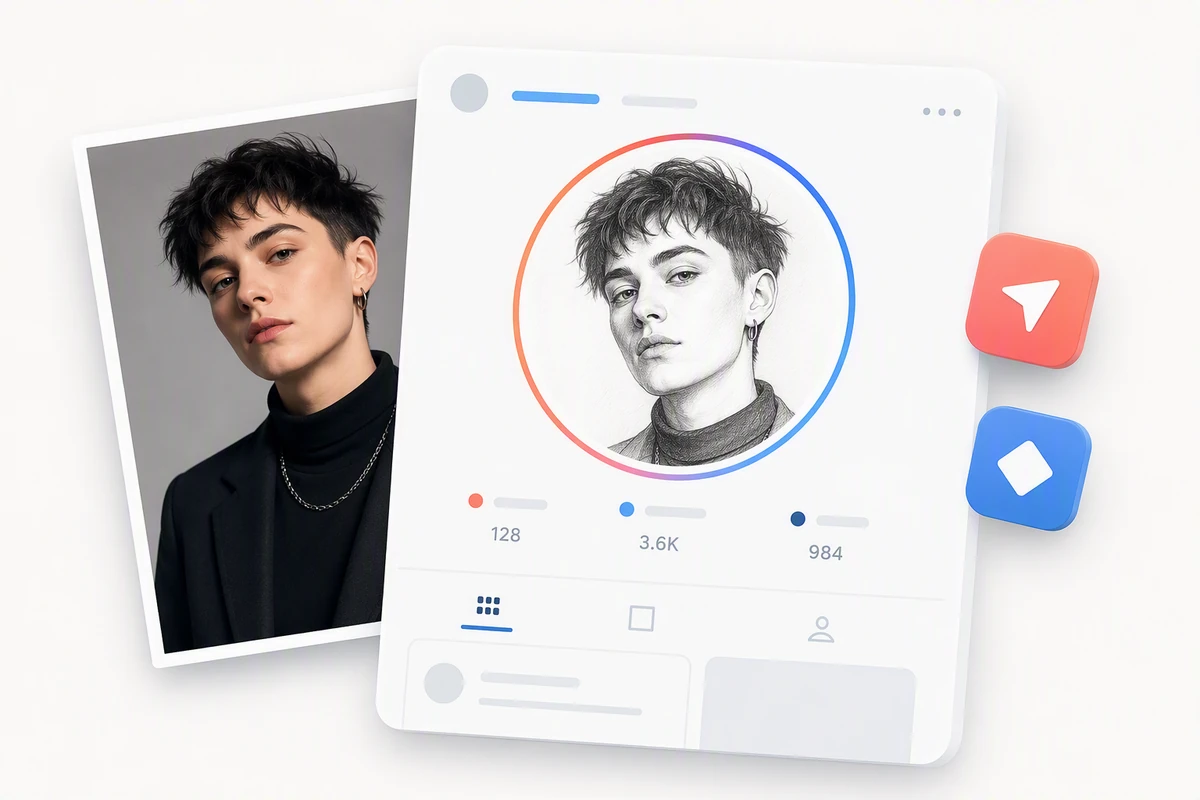
A color portrait transformed into a graphite sketch profile avatar

Crop a face drawing for a profile avatar

The profile example shows whether a face drawing remains recognizable in a compact crop. Keep the eyes, jawline, hairstyle, and expression readable, then inspect the graphite avatar at its final size. Use Image Effects when the goal is broader stylization rather than a drawing-focused result.

What you can do with Ottermind

Bold ink avatar of a shaved-head man with round glasses on coral paper

Create a drawn profile portrait

Turn a headshot into a restrained graphite or ink portrait for a profile image. Keep the expression, face shape, hairstyle, glasses, and jewelry in the brief. Use the AI Photo Editor first when the source needs a cleaner profile crop, then inspect the drawing at its final size.

Turn a face photo into a reviewable drawing

Define the likeness anchors, choose a medium, then compare and refine one detail at a time.

1

Upload a photo you have permission to use. Note the expression, face shape, hair, eye direction, accessories, and other details that should remain recognizable.

2

Choose graphite, charcoal, ink, or line art, then describe line weight, shading, paper texture, contrast, crop, and background treatment.

3

Review the result beside the source. Keep the accepted composition and medium fixed while requesting a focused change to one drifting feature.

Draw in Studio

Why creators choose Ottermind

Keep likeness decisions explicit, drawing direction concrete, and every revision easy to compare.

Source-aware planning

Begin with the portrait's actual pose, crop, light, and visible detail.

Medium-specific prompts

Define strokes, shading, contrast, texture, and background for the chosen medium.

Likeness checkpoints

Call out the facial cues and accessories that should remain recognizable.

Focused revisions

Change one drifting detail while keeping accepted choices fixed.

Continue in Studio

Carry the approved portrait into AI image generation with its review context.

Frequently asked questions

What is an AI face to drawing converter?

It is an image workflow that interprets a face photo as a drawing in a medium such as graphite, charcoal, ink, or line art. A useful process keeps the source visible, names the features that matter, and compares the generated interpretation before export. For landscapes, objects, and other subjects, use Photo to Sketch.

Will the drawing still look like the person?

A clear source and explicit identity cues can help guide the interpretation, but exact likeness is not guaranteed. Compare the eyes, face shape, expression, hairline, glasses, and accessories with the source, then request a focused revision if one area drifts.

What kind of face photo works best?

Use a clear, well-lit portrait where important facial features are visible and not heavily blurred or covered. Keep enough resolution to inspect the eyes, mouth, hairline, and accessories, and only upload photos you have permission to use. Apply Photo Retouching first when the source only needs subtle correction.

Which drawing styles can I request?

You can describe graphite pencil, charcoal, pen and ink, contour line art, cross-hatched illustration, or mixed treatments. Results are easier to direct when you specify line weight, shading, paper texture, contrast, crop, and background rather than using only a style label. Choose Photo into Watercolor for a watercolor-specific workflow.

Can I turn a couple or family photo into a drawing?

Yes, but group portraits need a more deliberate review. List distinguishing details for each person, keep the original arrangement clear, and inspect overlapping faces, hair, hands, and clothing boundaries against the source.

Can I use the result for a profile image or gift?

A face drawing can be prepared for a profile crop, printed keepsake, or personal gift. Review the result at its final size, confirm that the people in the photo consent to the use, and check any platform or printing requirements before publishing. Continue with AI image generation when the approved portrait needs a broader visual treatment.

Discover more

More from the blog

Turn your portrait into a drawing direction

Bring a face photo, name the identity cues and medium, then compare and refine the generated interpretation in Ottermind Studio.

Draw in Studio