Image Translator
Upload a picture with visible text, name the target language, and create a translated image you can compare with the source and refine in context.


Drag an image here or click to upload












Explore image transformation styles
Explore a range of image transformations and find the look that fits your idea.
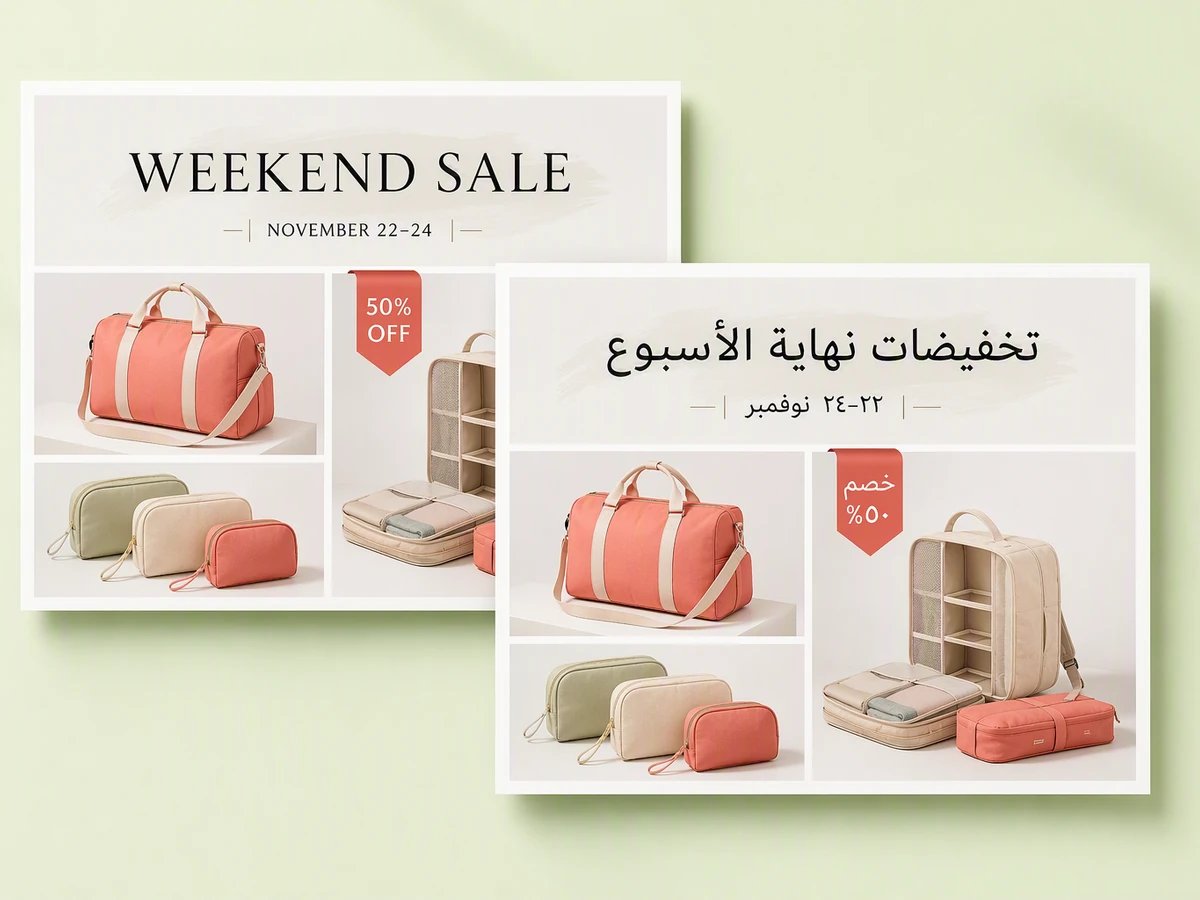
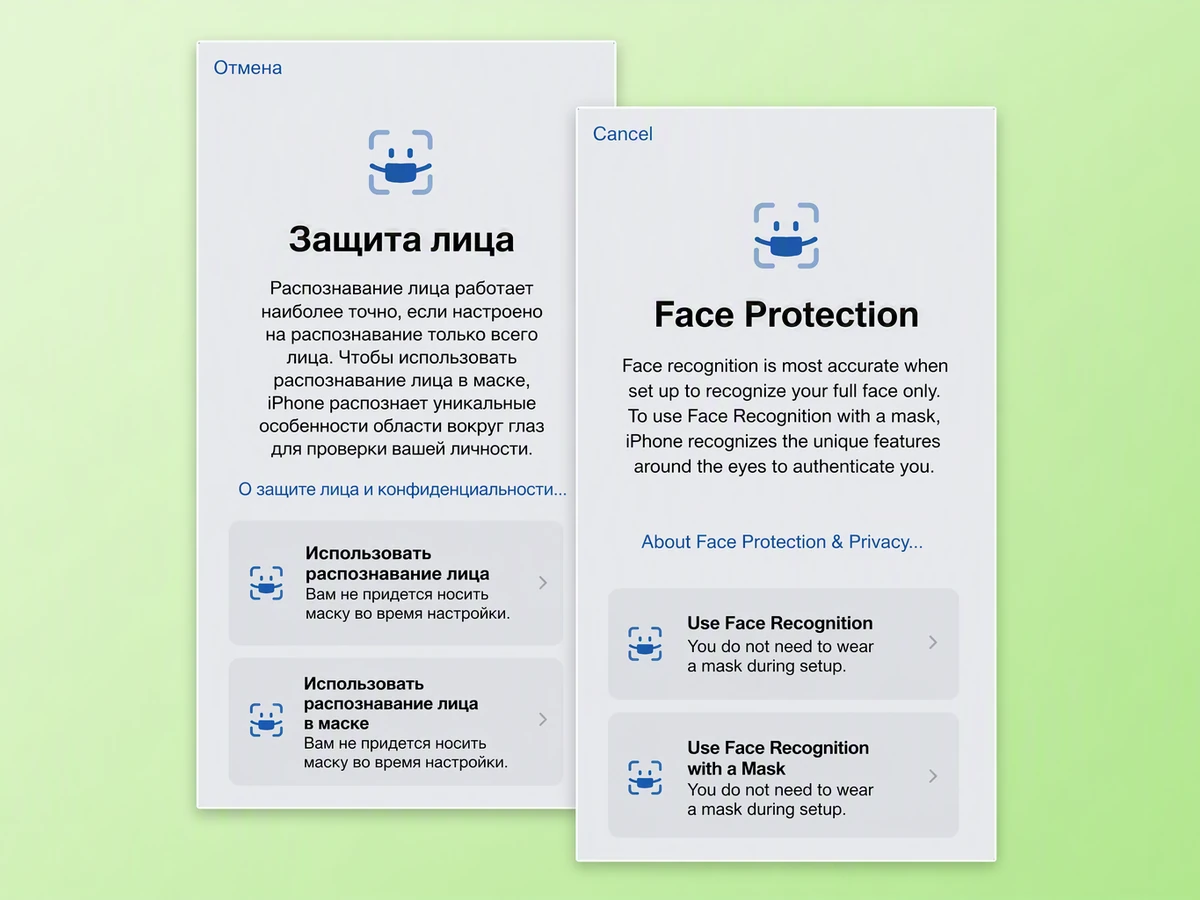
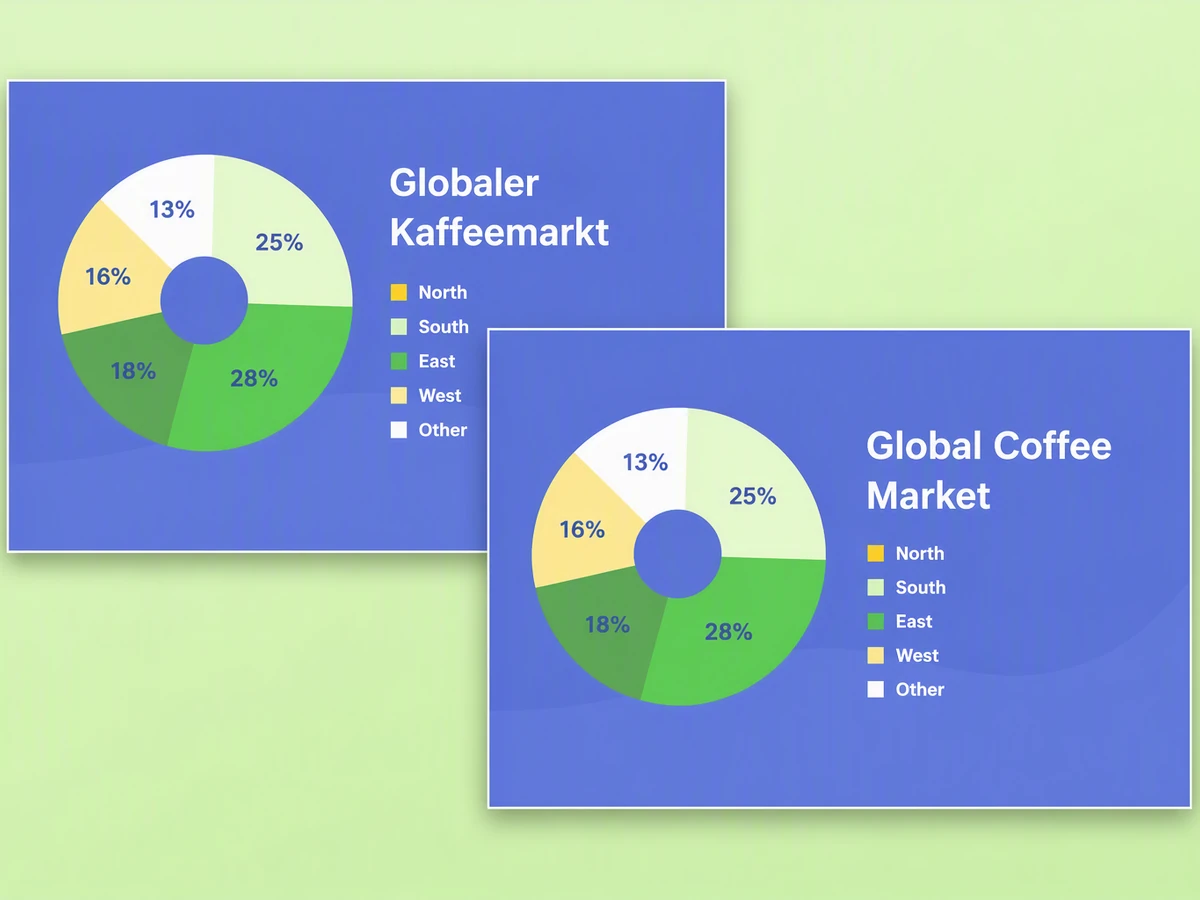
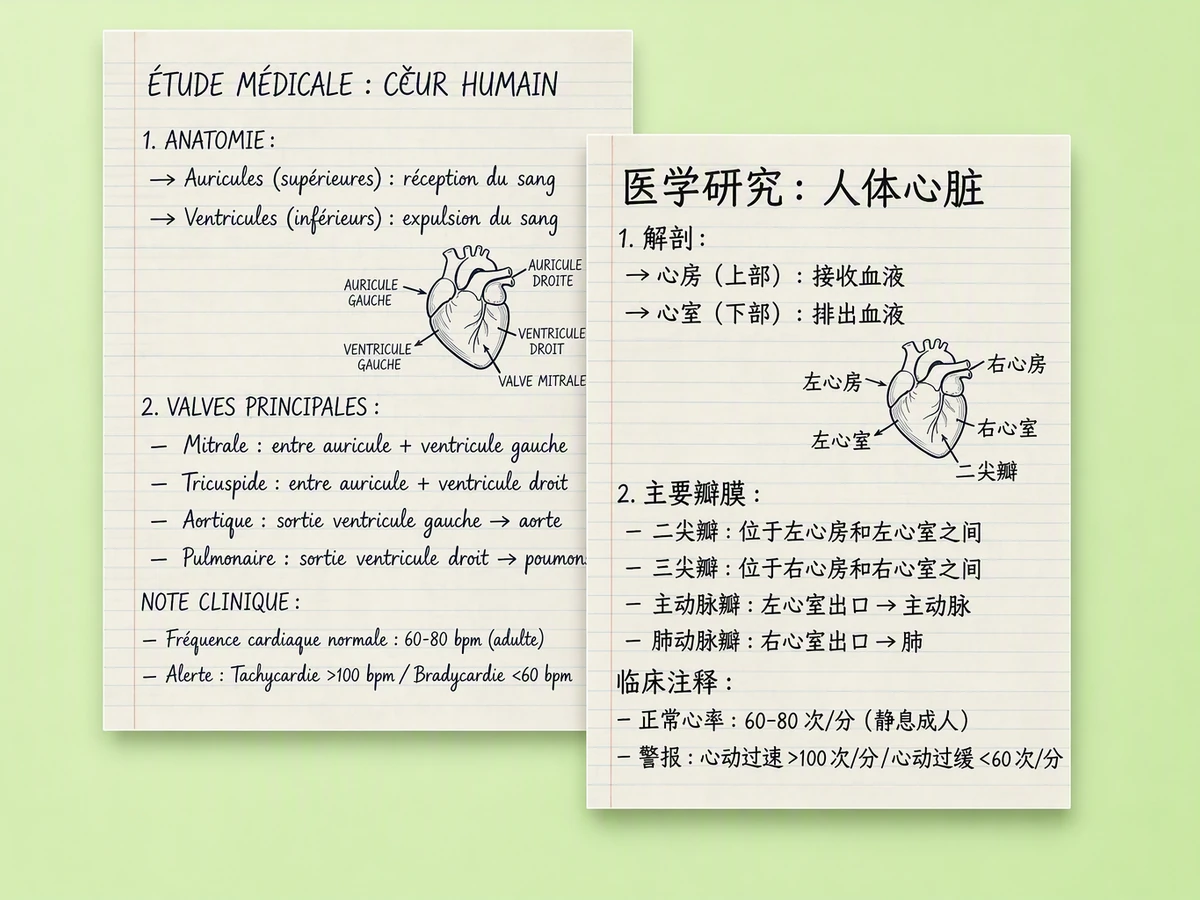
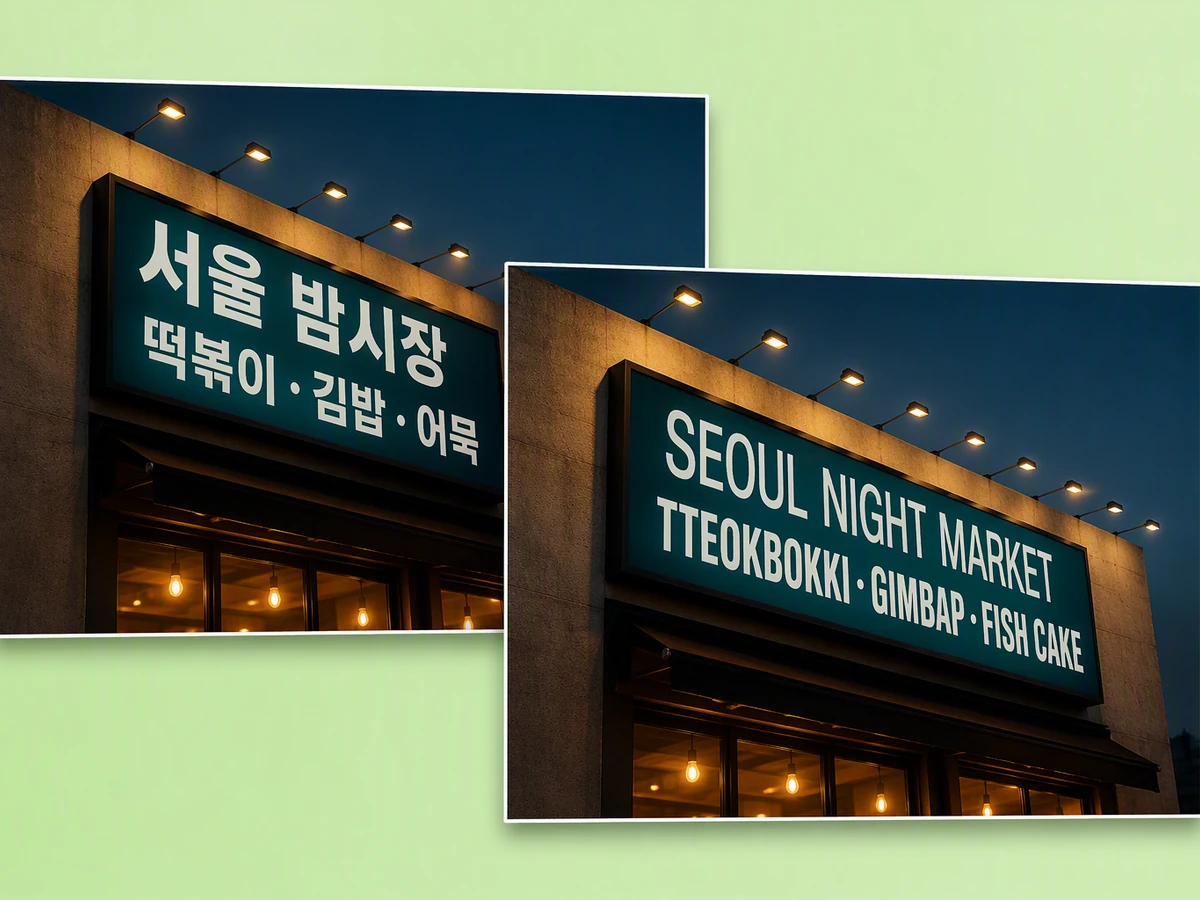
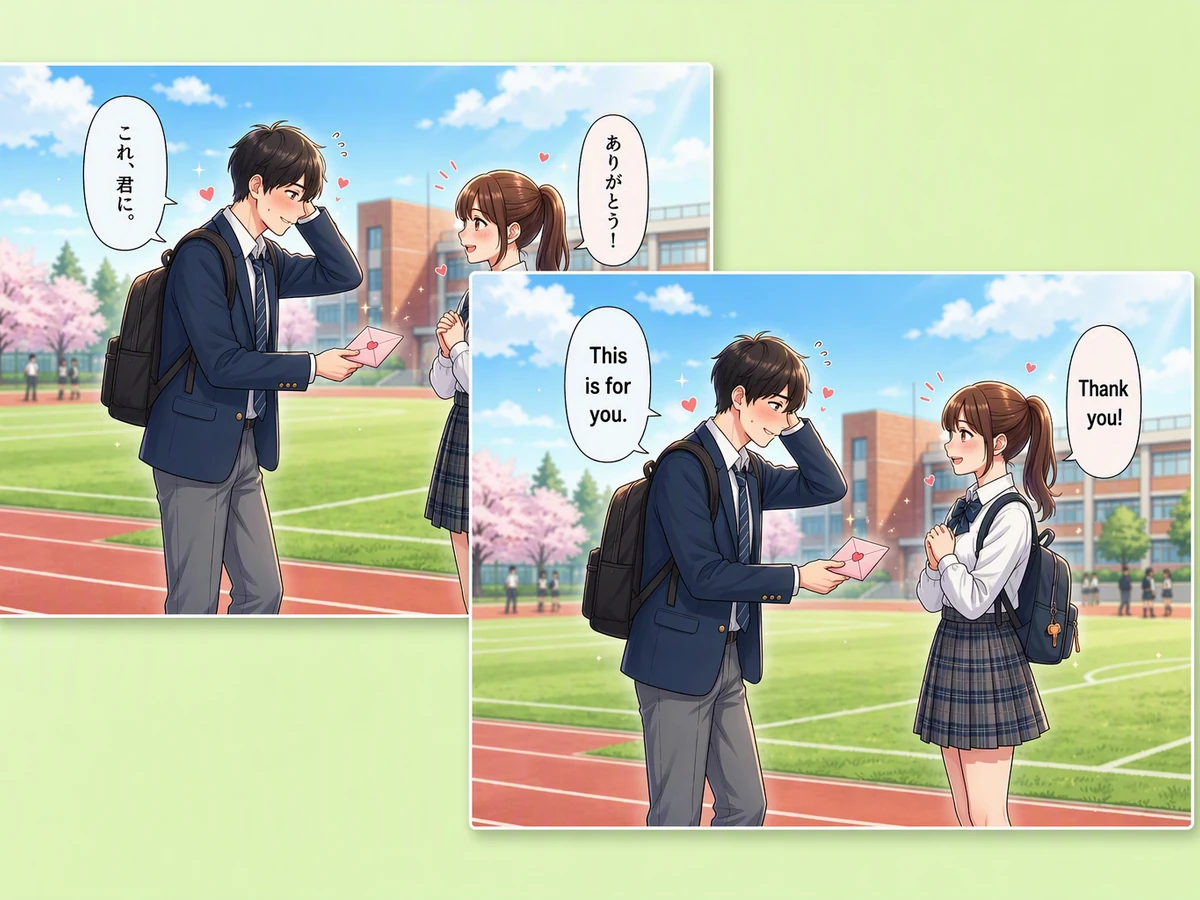
Translate Image Text without Losing the Visual Context
An image translator should do more than return a detached paragraph. Upload the source, state the target language, and explain whether labels, speech bubbles, signs, or headings must stay in place. Ottermind keeps the image, instruction, and revisions together so you can compare meaning and layout. If the source first needs cleanup, use photo retouching as a separate preparation step.
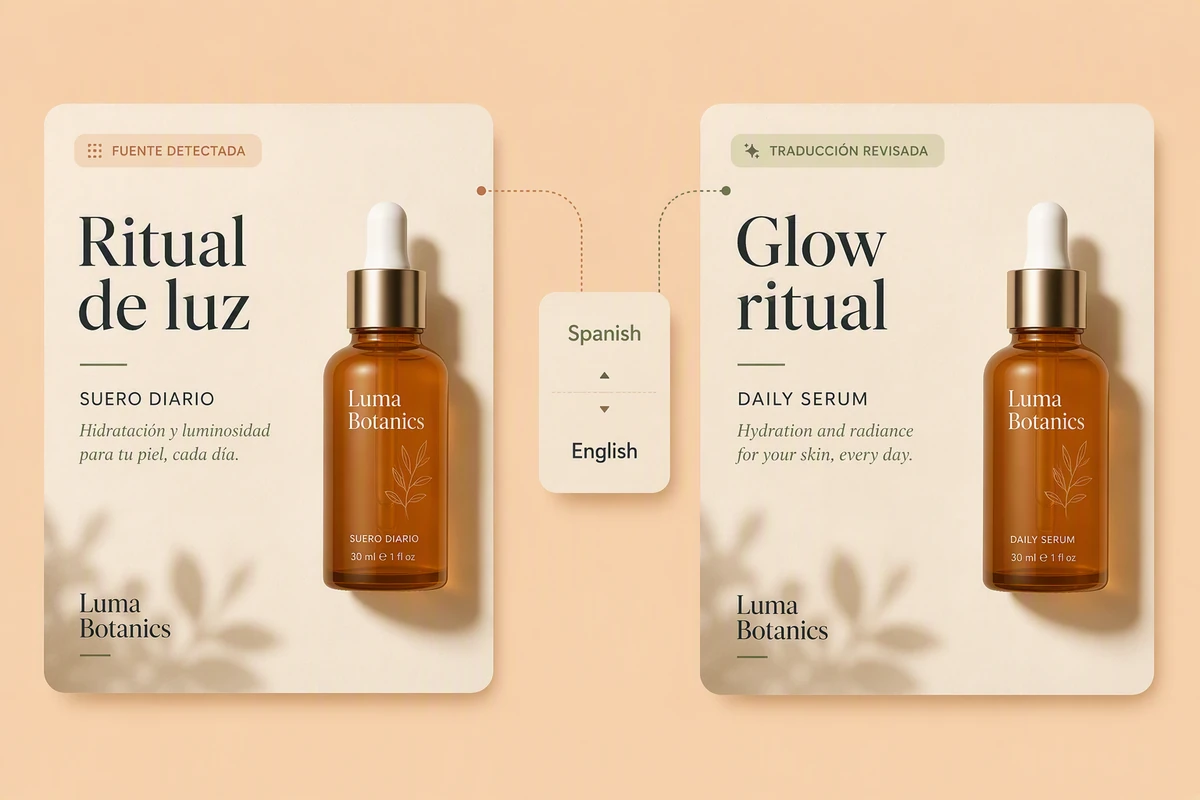
Translate Image Text with Clear Context
Tell the image translator both languages, the audience, and which text matters. Crop or clarify tiny lettering before translation; Fix Blurry Pictures can help you prepare a difficult source. Then check names, dates, prices, units, and warnings against the original instead of assuming every detected character is correct.
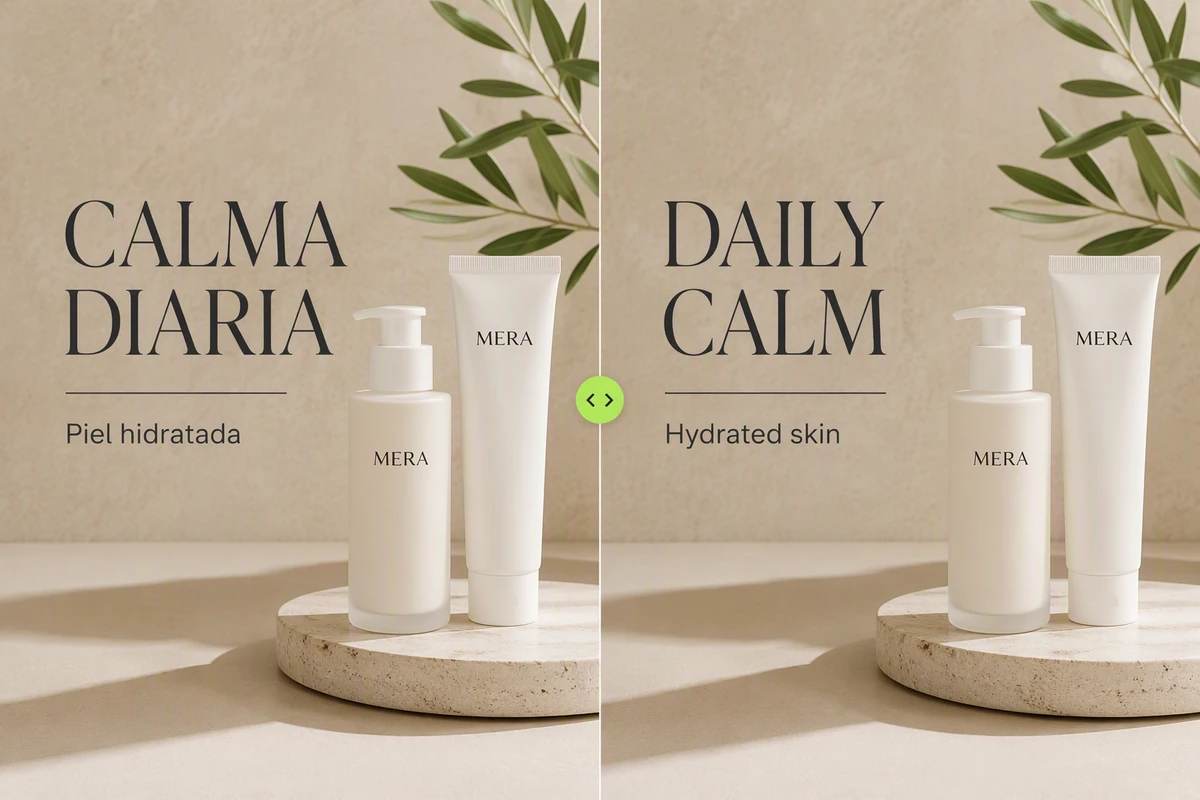
Keep the Layout Easy to Compare
Ask the photo translator to retain the reading order, text hierarchy, and placement that make the design understandable. Compare both versions before export, watching for longer translations that overflow buttons or speech bubbles. For a deliberate side-by-side review sheet, arrange approved versions with the Free Online Photo Collage Maker.
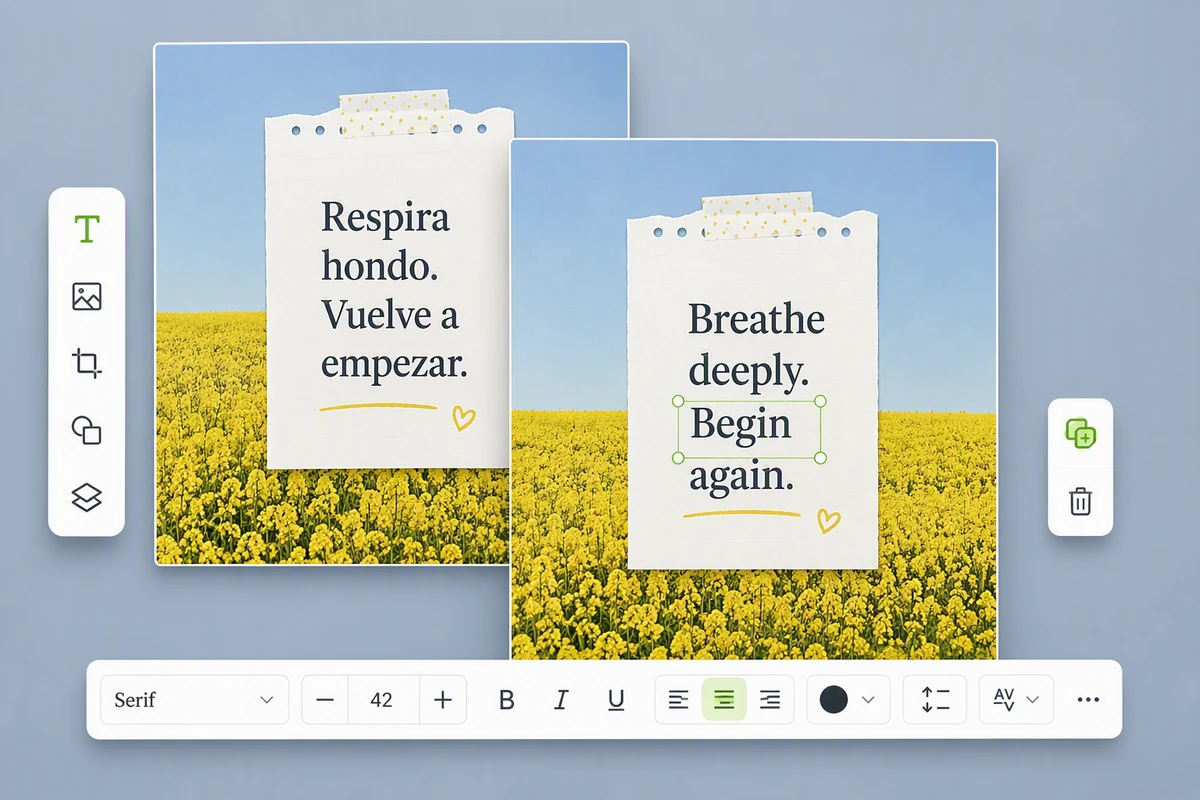
Refine Translated Text in Context
Treat the first image translation as a draft. Ask for one correction at a time: wording, line breaks, type size, contrast, or alignment. Use Image Effects only when a separate visual treatment helps readability. Keep proper names, legal text, medical guidance, and safety instructions subject to qualified human review.
What you can do with Ottermind
Translate a restaurant menu
Replace dish names and descriptions while preserving prices, hierarchy, spacing, and culturally important terms.
Localize a product graphic
Translate labels, benefits, and calls to action without changing the product image or required brand elements.
Understand a travel image
Convert signs, schedules, instructions, or notices into the target language while retaining the surrounding visual context.
Adapt an infographic
Translate headings, labels, and annotations, then check that longer text still fits and the data relationship remains clear.
How to Use the Image Translator in 3 Steps
Step 01
Upload a Readable Image
Choose a photo or screenshot you can use. Straighten it, crop distractions, and make the relevant text large enough to inspect clearly.
Step 02
Specify the Translation
Name the source and target languages when known, identify the audience, and say which layout, labels, or speech bubbles must remain recognizable.
Step 03
Compare and Correct
Review both images together. Correct mistranslated names, numbers, missing text, awkward line breaks, and any visual change that alters the intended meaning.
Why creators choose Ottermind
Context-Rich Instructions
Describe the audience, language pair, and purpose instead of submitting an unexplained image.
Source-and-Result Review
Keep the original visible while judging every translated image and disputed phrase.
Focused Corrections
Revise one label, line, or region without replacing the direction that already works.
Readable Visual Options
Adjust contrast carefully with Image saturation when color obscures text during translation review.
Connected Project Context
Keep translation instructions, references, and review notes attached to the same Studio task.
Visible Agent Work
Inspect the output and approve important changes before continuing to a shareable result.
Frequently asked questions
What Kinds of Pictures Can an Image Translator Handle?
Use readable photos, screenshots, posters, menus, product graphics, notes, or comic panels you have permission to process. Tight crops, straight pages, strong contrast, and larger text make an image translator result easier to evaluate.
Does Image Translation Preserve the Original Layout?
It can follow a request to keep reading order, hierarchy, and placement, but translated text may be longer. Check labels, bubbles, tables, and right-to-left text for overflow. Use AI image generation for a new visual, not a faithful translation.
How Accurate Is Translation from an Image?
Accuracy depends on clarity, language, typography, and context. Small type, curved packaging, handwriting, glare, and vertical text can cause recognition errors. Verify names, numbers, prices, legal terms, medical guidance, and safety information with the source and a qualified reviewer when consequences matter.
Can I Translate Manga and Comic Speech Bubbles?
Yes. Ask the image translator to follow speech bubbles in reading order and preserve names and tone. Stylized lettering or text over artwork needs careful review. For a newly illustrated panel, use Ghibli AI Generator as a separate creative workflow.
Should I Crop the Picture before Translating It?
Crop when text occupies a small part of the photo or unrelated lettering could confuse the request. Keep enough context for labels and reading order. If the translated image will become motion content, approve the still before using Image to Video.
Can I Use the Translated Image for Official Documents?
Do not treat generated image translation as certified. Contracts, identity records, medical instructions, compliance labels, and evidence may require an accredited translator or domain expert. Use this workflow for understanding and drafting, then verify consequential details through the appropriate official process.
Discover more
AI pet portrait generatorAI Product Image GeneratorGemini Watermark RemoverImage Text EditorPicture Outline MakerPhoto into WatercolorPhoto to Anime ConverterConvert Photo to Oil PaintingPhoto to SketchReplace Color in ImageResume Photo EditorWatermark RemoverAI Resume BuilderAI Receipt TrackerPC Builder AIAI Logo Generator
More from the blog
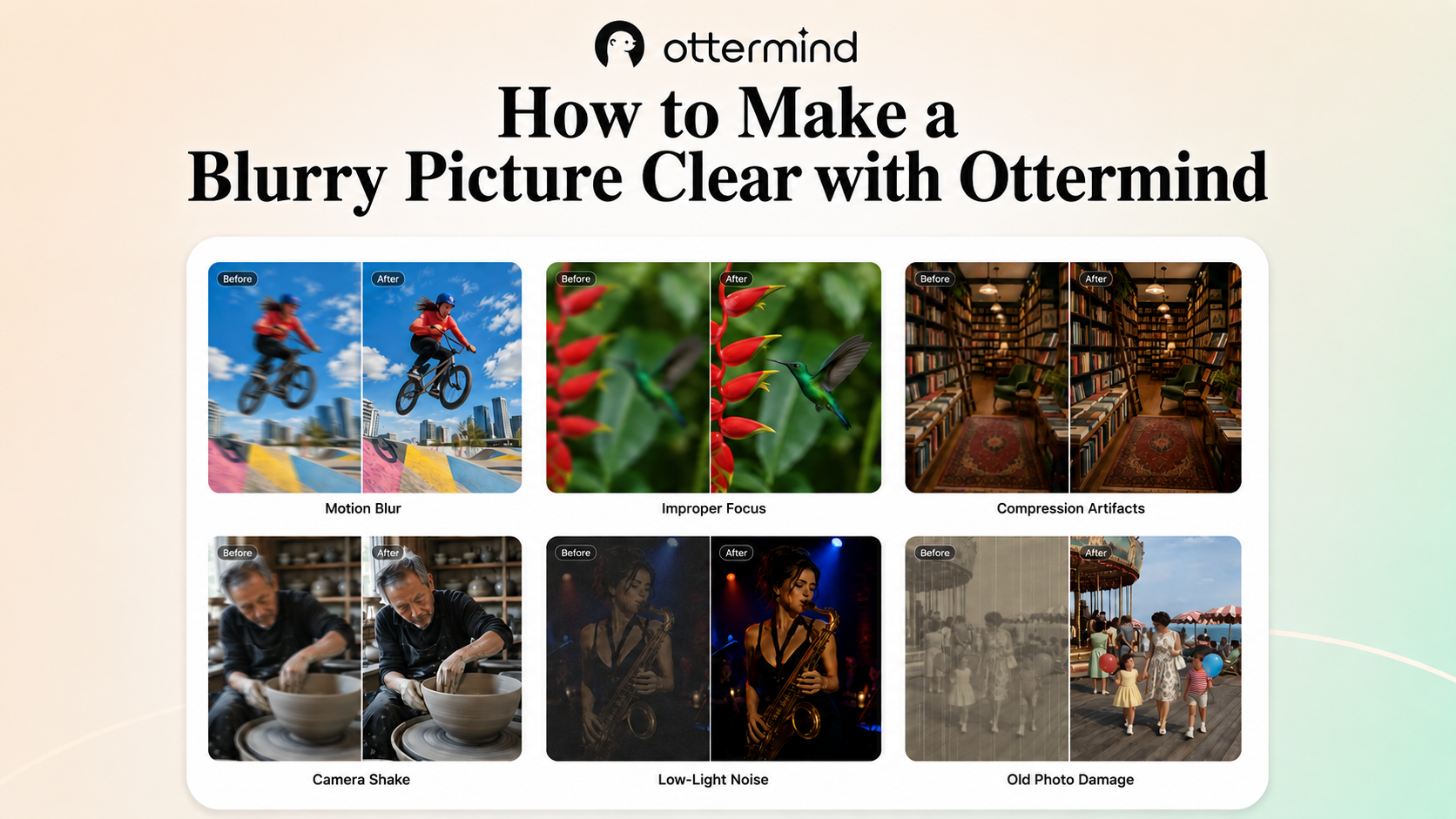



Translate the Text in Your Image
Upload a readable source, specify the target language and layout priorities, then compare the translated image with the original before you share or reuse it.
Translate My Image